.avif)
.png)
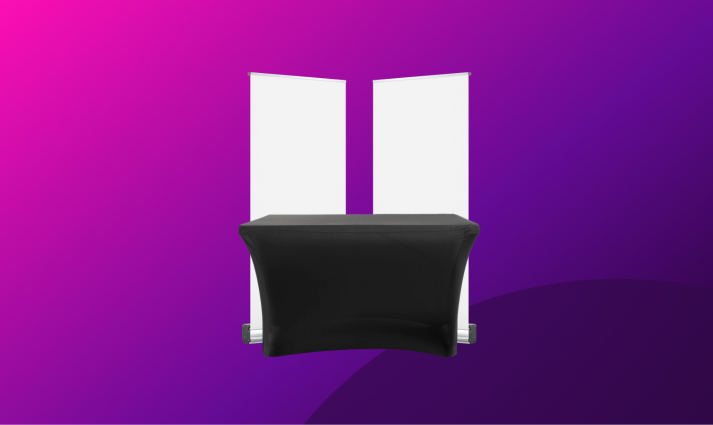
1m x 2m Stand Space
Our standard stand space is suitable for most exhibitors who only require space for a maximum of 2 roller banners or a 2m wide pop-up stand.
Allocated Space:
2m x 1.5m floor space
Electrics are available for £35+VAT
.png)
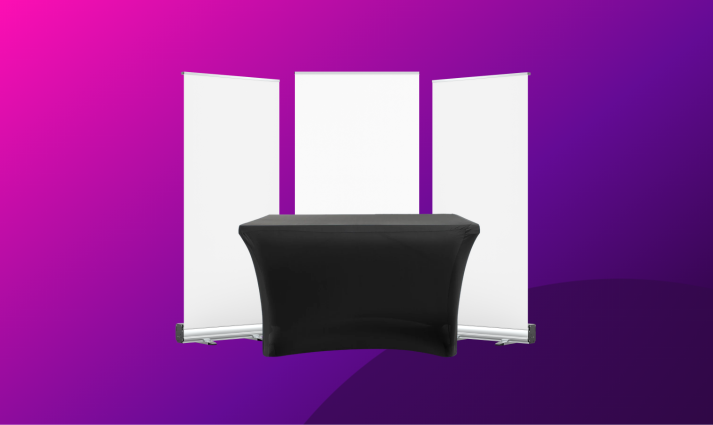
1m x 3m Stand Space
Our mid-range stand space is suitable for exhibitors who want extra space for a maximum of 3 roller banners or a 3m wide pop-up stand.
Allocated Space:
3m x 1.5m floor space
Electrics are available for £35+VAT
.png)
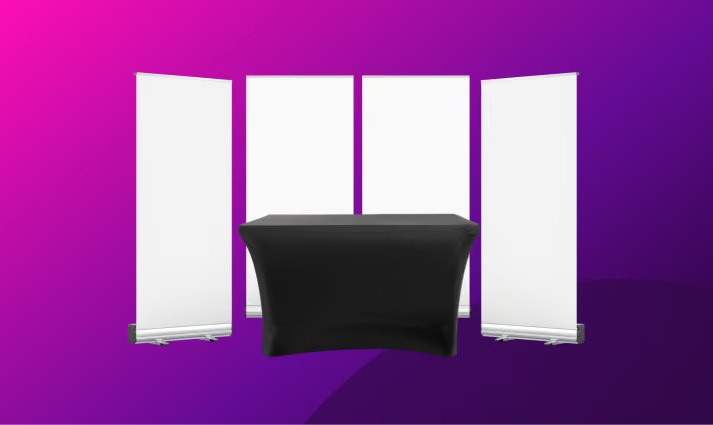
1m x 4m Stand Space
Our premium stand space is suitable for exhibitors who want maximum space for up to 4 roller banners or a larger 4m wide pop-up stand.
Allocated Space:
4m x 1.5m floor space
Electrics are available for £35+VAT
Our events typically attract 250–500+ B2B professionals, all of whom are there to discover ideas and solutions to help them scale and grow.
Unlike other local business shows, our audience is made up of B2B decision-makers and buyers. We vet all attendees and limit charities, students and casual visitors so you get more face-time with the right people.
Yes, we provide exhibitors with a post-event attendee summary showing the businesses represented on the day for those who book the silver or gold packages.
Consider upgrading to either silver or gold to access the attendee list which we issue 24-48 hours after the event.
Cancellations made more than 60 days before the event date are eligible for a full refund. Cancellations between 30–60 days receive a 50% refund.
Within 30 days of the event, stands are non-refundable, but you can transfer your booking to a future event at no extra charge.
You can bring whatever you need or want to as long as it all fits within the space you order. We recommend bringing banners, a screen if you want to play a video or provide live demos. If you're not sure what you can bring, ask our AI agent.
Absolutely, simply add electrics to your order. Electrics is available for £35+VAT. You must pre-order so that we can allocate you a suitable stand.
For most exhibitors attending, a 1m x 2m stand space is a great starting point. It gives you enough space for a couple of roller banners, table display and a couple of team members.
If you're planning a demonstration, product display or want a more premium presence for larger banners, we recommend upgrading to either a 3m or 4m wide space.
You'll be able to set-up on the morning of the event from as early as 7:30am. All stands must be set-up by 9:30am, ready to accept visitors from 9:45am.
There's no hard limit on staff per stand, though we recommend at least two people. Extra staff passes are included in your booking, just let us know names in advance for badge printing.
Absolutely, and we encourage it. Roller banners, tablecloths, product samples, leaflets, promotional gifts, screens and tablet displays are all popular choices.
The only restriction is that displays must stay within your allocated stand footprint and must not obstruct visitor gangways, fire exits or the stands next to you.
Yes we do limit how many companies can exhibit for each industry. We do this so there's a great mixture of exhibitors for attendees to discover. This also gives you the best chance to meet with potential prospects.
To avoid being turned away because we've got too many of your competitors booked, we recommend booking early.
Unfortunately we do not offer discounts to charities.
Simply book your stand online and complete the booking form. Don't forget to add any stand upgrades that you'd like to enhance your order and get the most from exhibiting with us.
You'll receive confirmation from our events team as well as a link to our exhibitor hub. We'll keep you up to date with all the event details and help you plan your stand to get the most out of exhibiting.
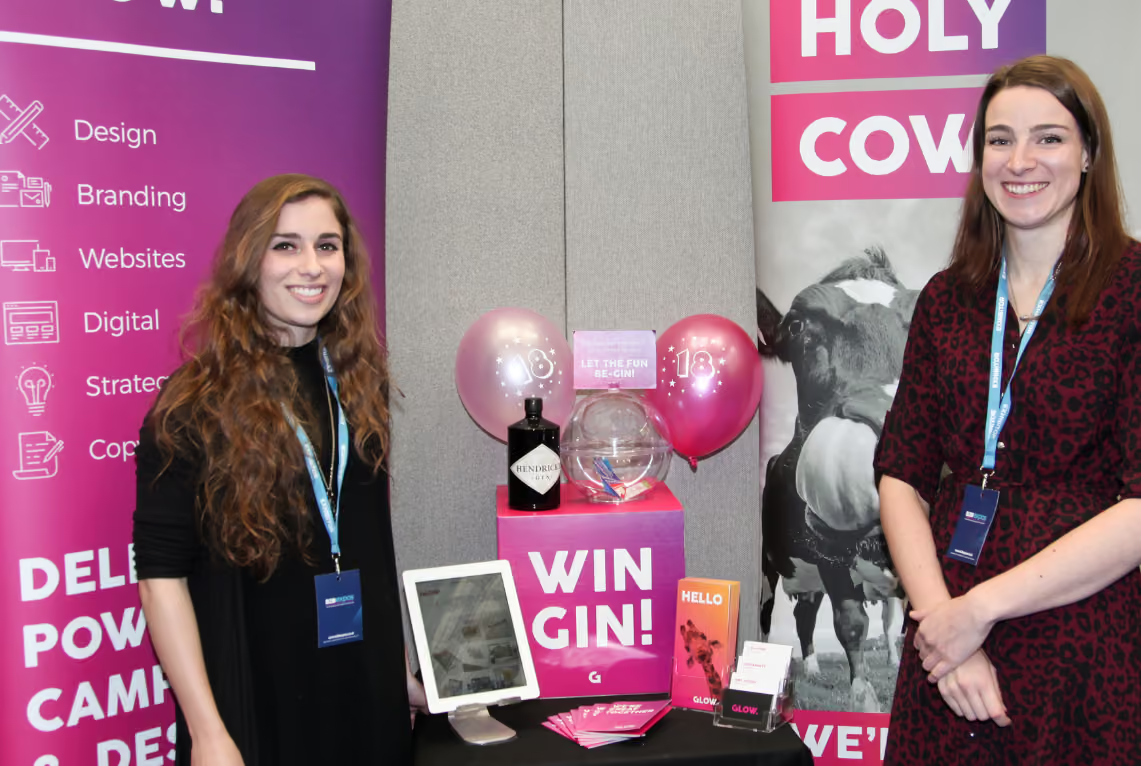
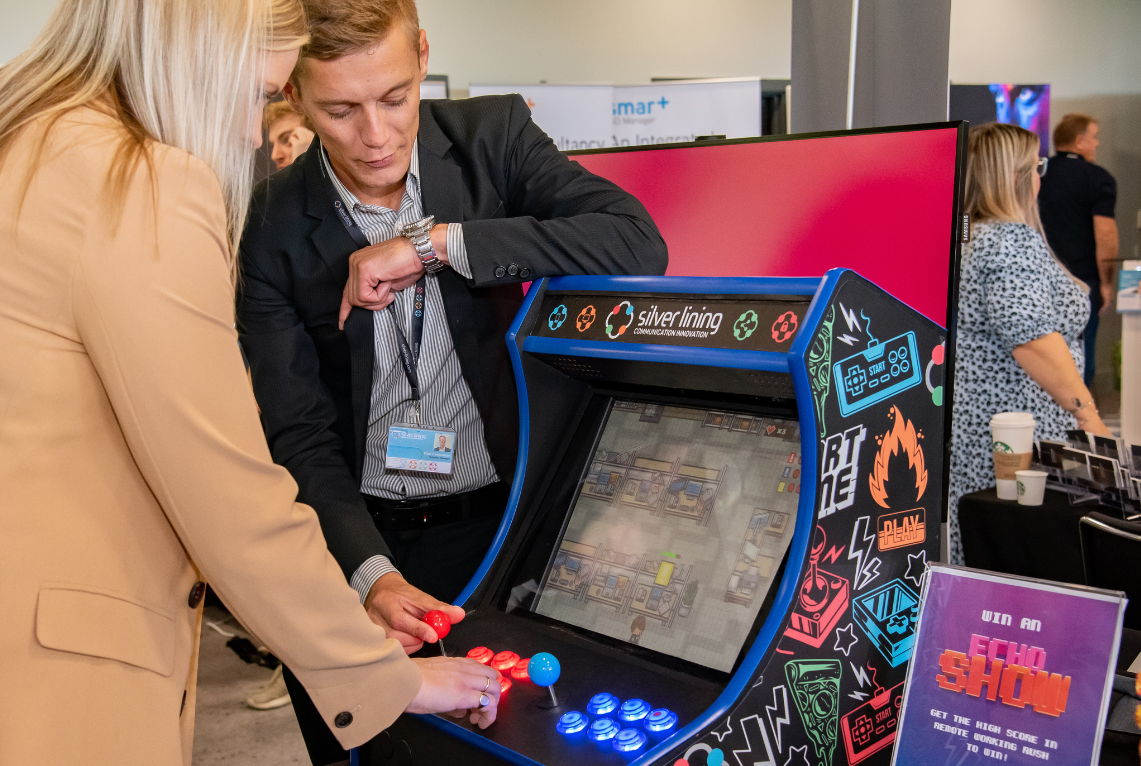
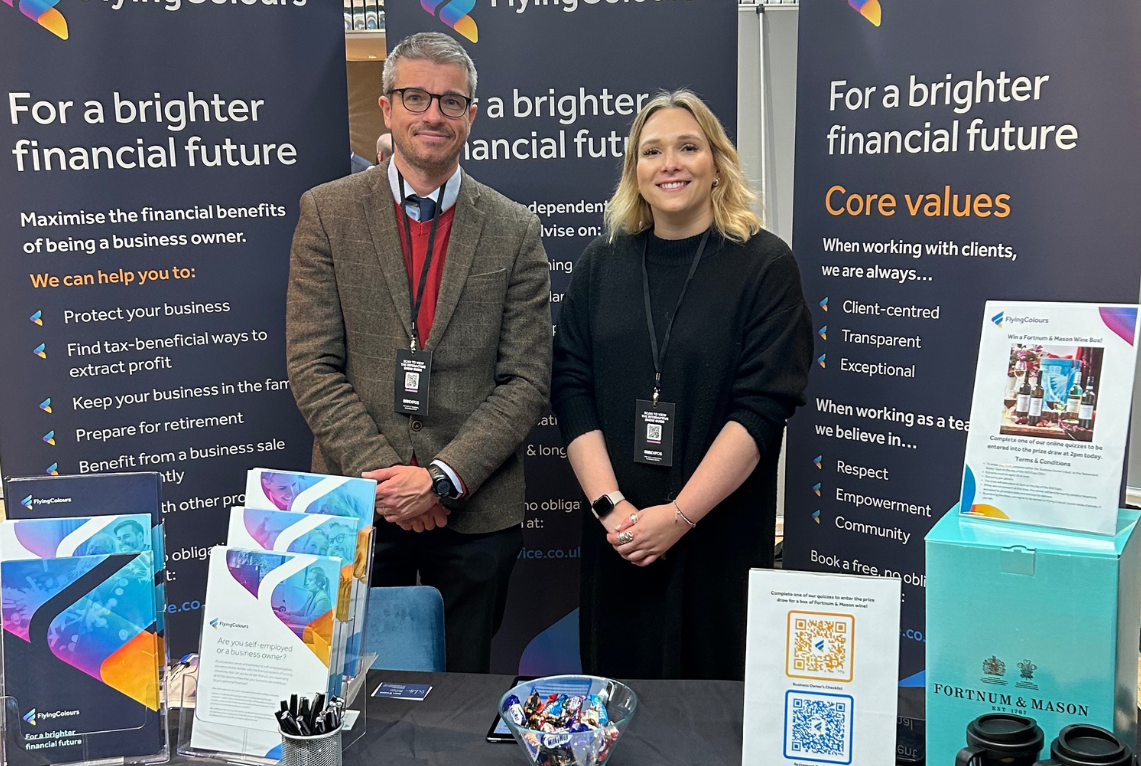
Position a tall banner at the back, a branded tablecloth on your table, and leave space at the front for face-to-face conversation. Simple, welcoming, and proven to work.
Roller banners behind you
Merch and a relatable prize-draw competition
Leaflets and brochures to takeaway
Give advice and tell people exactly how you can help them
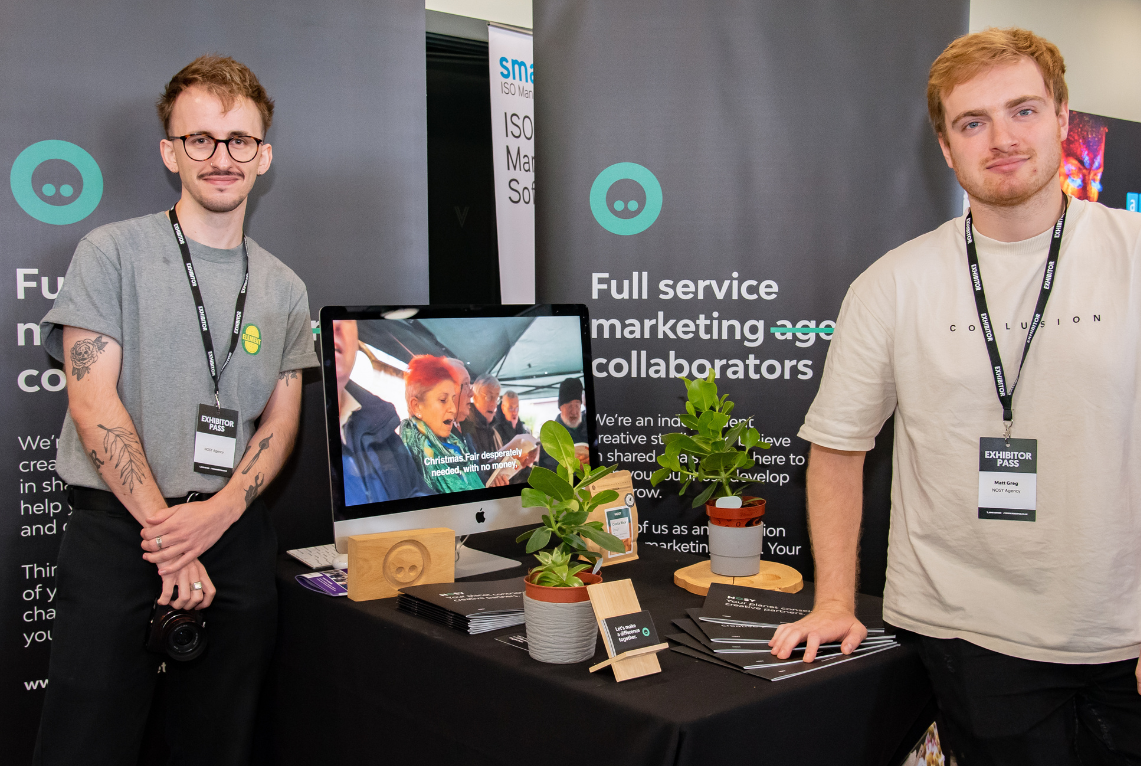
If you have a product or software to show, make the demo the centrepiece. A screen or tablet running a live demo gives people a reason to stop and engage.
Screen or iPad on a stand
Looping product video or live walkthrough demos
Brief printed one-pager advice to takeaway
Book in full demos for after the event
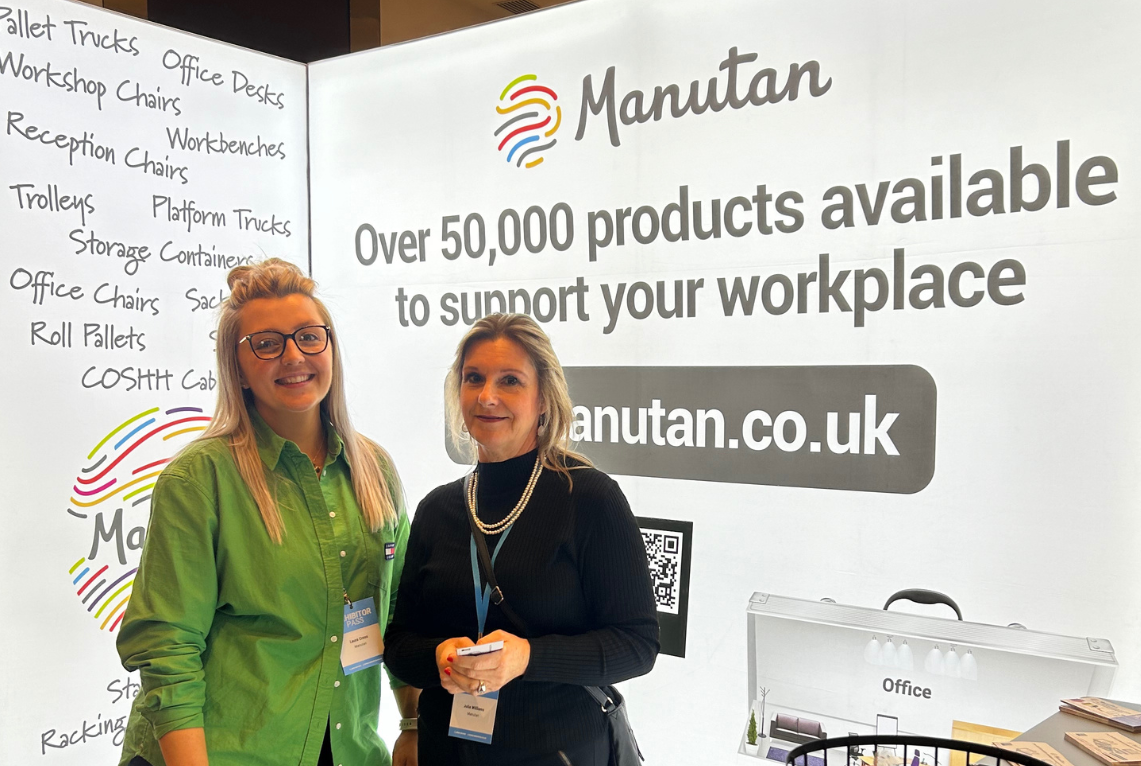
For larger stands, create a branded environment rather than just a table. Pull-up banners on both sides, matching tablecloth and a clear visual hierarchy make you look like the main event.
2-3 roller banners or a large pop-up banner stand
Bring a matching coloured tablecloth
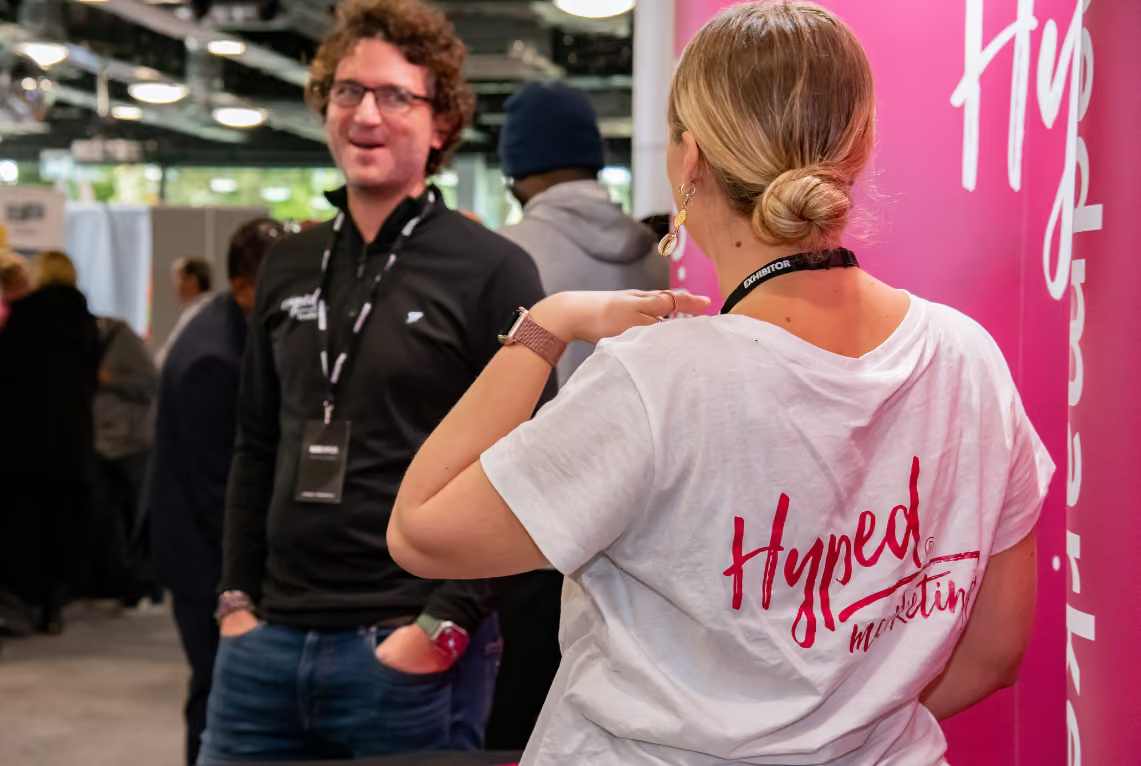
Branded staff t-shirts and lanyards for your team
Consider becoming a sponsor for extra promo
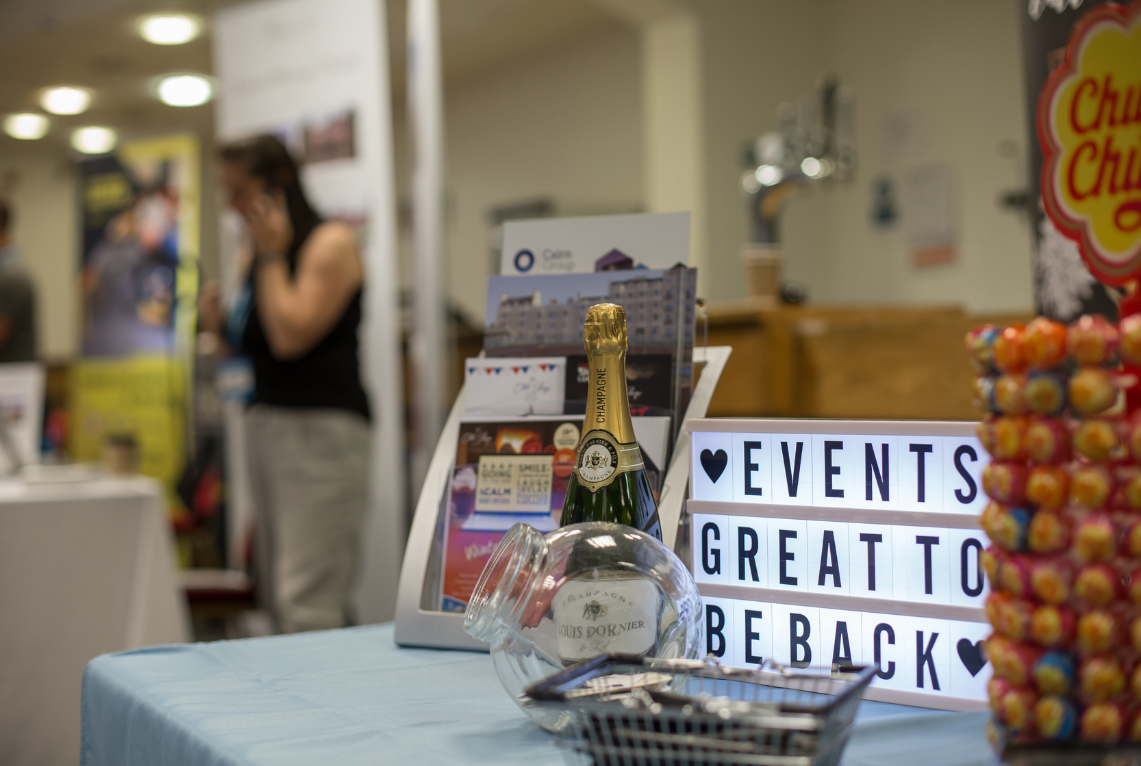
Busy expo floors mean people move fast. A simple hook, something visual, interactive or just even edible. Do something different that will grab attention or create a buzz.
A quiz or spin-the-wheel giveaway
A bold question or statement on your banner
Branded sweets, chocolates, or mints
A free audit or consultation offer, sign up on the day
The biggest mistake exhibitors make is forgetting to collect details of everyone they speak to on the day. Set up a simple system before the day so follow-ups are easy.
Paper sign-up sheet with a prize draw
QR code to a Google Form or landing page
CRM app open on your phone or tablet
Business card bowl (simple but effective)
Your stand is just the start. The exhibitors who get the most ROI are the ones who follow up fast and personally.
Email or LinkedIn connect within 48 hours
Reference something specific from your conversation
Offer a clear next step - a call, demo, or proposal
Add to your CRM and nurture sequence
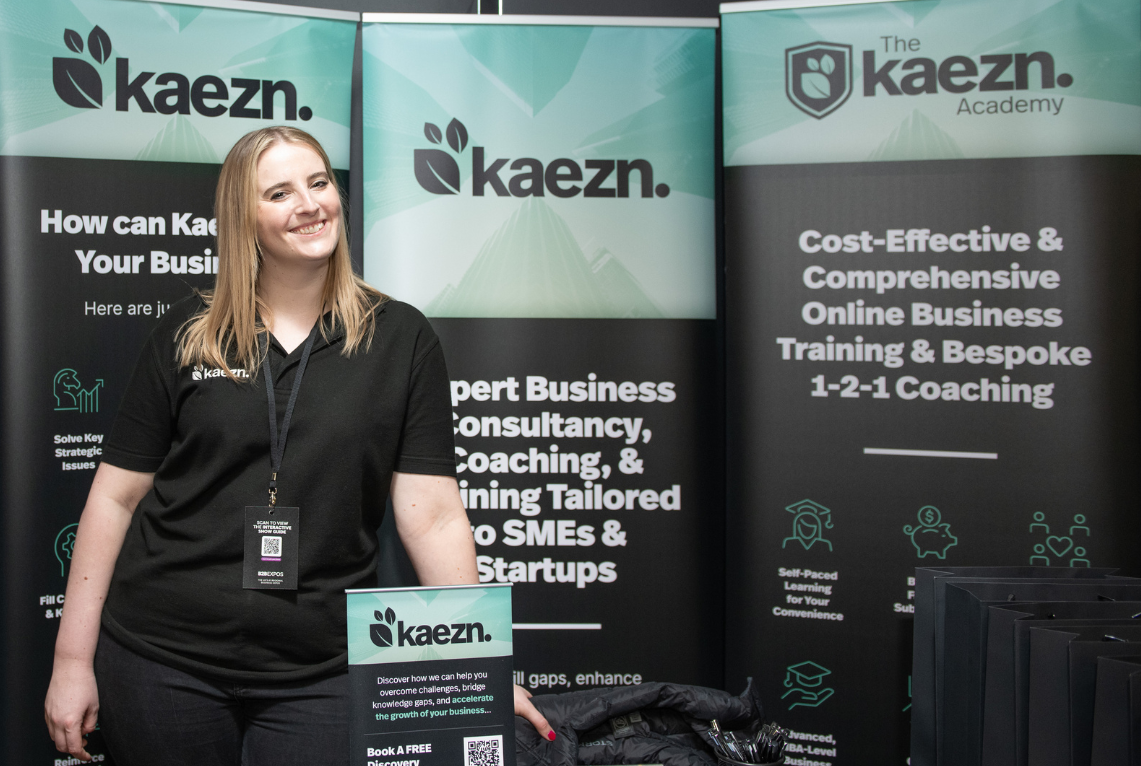
The printed show guide is handed to every exhibitor and attendee at the expos, giving you extra exposure and promotion from the event.
On top of the printed edition, we share a digital PDF version with all registered attendees before the event, so your advert is working before the doors even open.
Advertising Reach:
Whether you're exhibiting or not, a show guide advert is one of the most cost-effective ways to put your brand in front of a highly targeted local business audience.
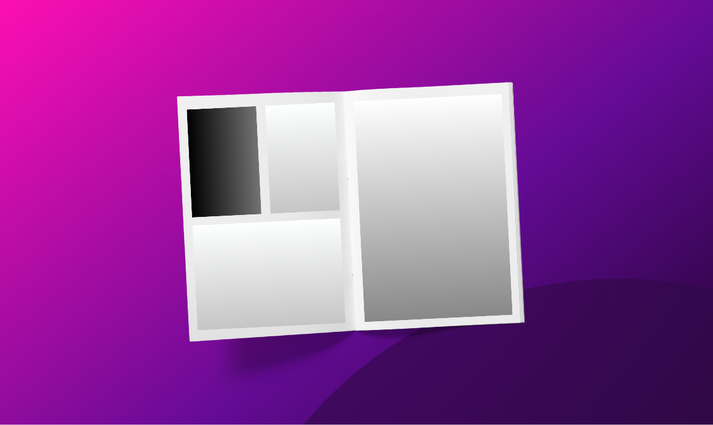
1/4 Page Show Guide Advert
A compact, cost-effective presence. Great for contact details, an exclusive offer or brand awareness.
Artwork Size:
Height: 6cm (60mm)
Width: 8.5cm(85mm)
No bleed required.
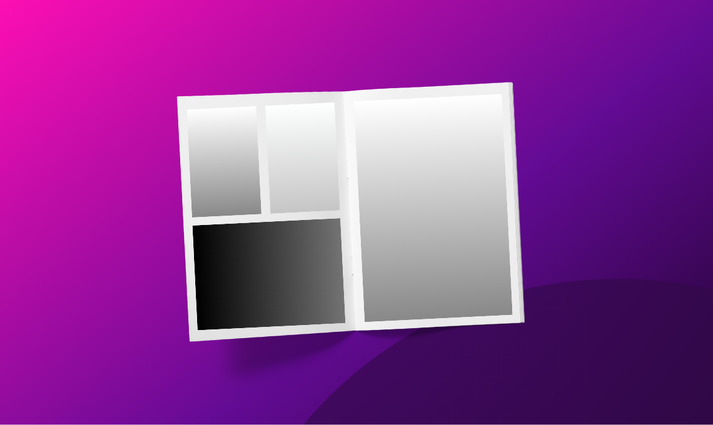
1/2 Page Show Guide Advert
Plenty of space to tell your brand story. Don't forget, half page adverts are included free for Silver package exhibitors.
Artwork Size:
Height: 8.5cm (85mm)
Width: 13cm(130mm)
No bleed required.
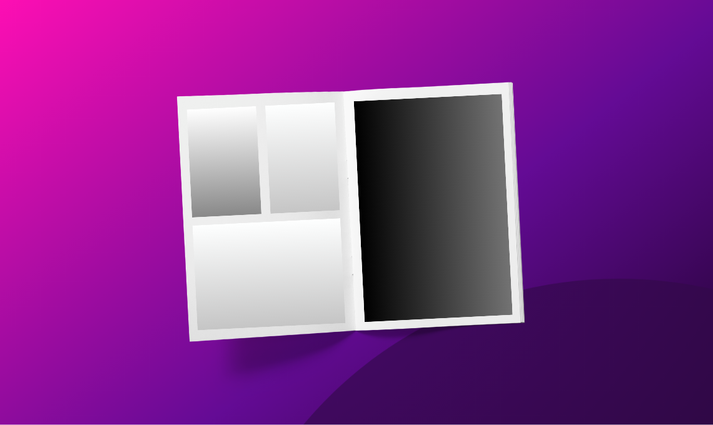
Full Page Show Guide Advert
Maximum impact - stand out with our largest show guide advertisement. Don't forget, full page adverts are included free for Gold package exhibitors.
Artwork Size:
Height: 18cm (180mm)
Width: 13cm(130mm)
No bleed required.
Not at all! Show guide advertising is open to any business, whether you have a stand at the event or not.
It's a great option for businesses that want to reach the expo audience but aren't able to exhibit on the day. Your advert will appear in both the printed guide and the digital PDF version, regardless of whether you're attending in person.
We offer quarter page, half page and full page adverts, all printed in full colour.
A quarter page works well for a clean brand statement, contact details, or a single focused offer.
A half page gives you room to include imagery, a headline and a short description - it's our most popular choice.
A full page delivers maximum impact and works particularly well if you want to make a bold first impression or have a lot to communicate.
If you're unsure, the half page is a solid starting point.
No - your advert is already included. Silver package holders receive a half page advert as part of their package, and Gold package holders receive a full page advert at no extra charge.
You'll just need to supply your print-ready artwork by the 14-day deadline. Details of what we need will be sent to you once your package is confirmed.
Print-ready artwork means a finished, designed file that is ready to go straight to the printer without any changes. This is typically a high-resolution PDF (at least 300dpi) with the correct dimensions, bleed, and colour settings for print (CMYK).
If you work with a graphic designer or marketing agency, they'll know exactly what this means. Artwork specifications for each ad size are provided when you book, so there's no guesswork.
Design and artwork creation is not something we offer — you'll need to arrange this separately before submitting.
Artwork must be received 14 days before the event date. This deadline exists because the guide goes to print in advance - we cannot hold the print run for late submissions.
If your artwork arrives after the deadline, we'll do our best to accommodate it but cannot guarantee inclusion.
If your advert cannot be included due to a missed deadline, we're unable to offer a refund, so please make sure your designer has plenty of time to turn around the file.
Distribution works in two ways. First, a digital PDF version of the guide is emailed to all registered attendees before the event - so your advert is seen before anyone arrives.
Second, printed copies are handed out to every exhibitor and attendee on the day itself. Attendees often keep the guide for two to three months after the event, meaning your advert continues working long after the day is done.
Yes, and we'd encourage it. Including a QR code linking to your website, a specific landing page, or a special offer is a great way to track engagement and turn readers into enquiries.
Because the guide is also distributed as a digital PDF, clickable links will work for readers viewing it on a screen - another good reason to include a URL or QR code in your design.
Show guides are available to view and pick up at the events, however if you're unable to attend let us know and we'll do our best to reserve you a copy and post it to you after the event.
Before you open a design tool or brief your designer, decide what you want the advert to do. Every decision that follows - what to write, what to show, where to point people - should serve that single goal.
Generate enquiries - include contact details or a QR code
Drive web traffic - QR code or short URL to your landing page
Brand awareness - large logo, brand colours and tagline
Special offer - make your offer the hero of your design
Attendees flick through a show guide quickly. If they can't tell who the advert is for within two seconds, the opportunity is lost.
Your logo should be large, clear, and positioned where the eye naturally falls - usually top or bottom of the layout. Don't assume people already know your brand.
Even if you have a stand at the event, the guide reaches attendees before they arrive and long after they leave - often when they've forgotten who was who on the day. Make identification effortless.
The headline is the most valuable space in your advert. Most businesses waste it by writing what they do - instead, write what the reader gets.
Save the description of what you do for the body text. The headline's job is to stop someone turning the page.
Nobody reads dense paragraphs in a show guide. Aim for 2–4 short sentences maximum - enough to explain who you are, who you help, and why you're different.
If you're designing a quarter or half page, less is more. White space is not wasted space - it makes the page feel premium and the text easier to read.
Use bullet points for key services or benefits
Avoid jargon - write for your ideal clients
One idea per sentence
End with a clear call to action
A strong image can make an advert - but a poor quality one can make it look amateur. If you're including a photo or graphic, make sure it's at least 300dpi at the size it will be printed. Images that look sharp on screen often print blurry.
Use professional photography
Include high-quality images only
Avoid screenshots
Incorrect artwork is the most common cause of delays - and with a 14-day print deadline, there's no time to go back and forth. Brief your designer with the spec sheet we send at booking, and ask them to check before they send.
Format: High-resolution PDF, CMYK colour mode
Resolution: 300dpi minimum at final print size
Bleed: No bleed required or crop marks
Fonts: Embed or outline all fonts to avoid substitution
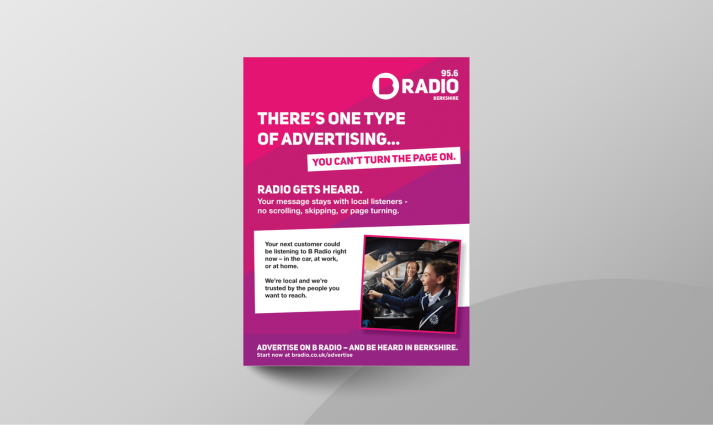
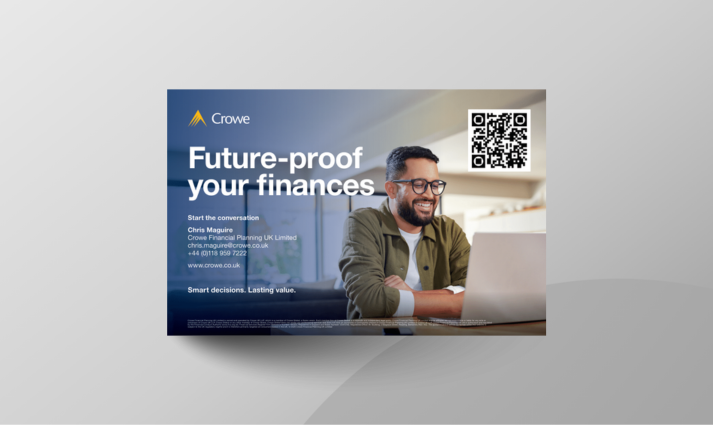
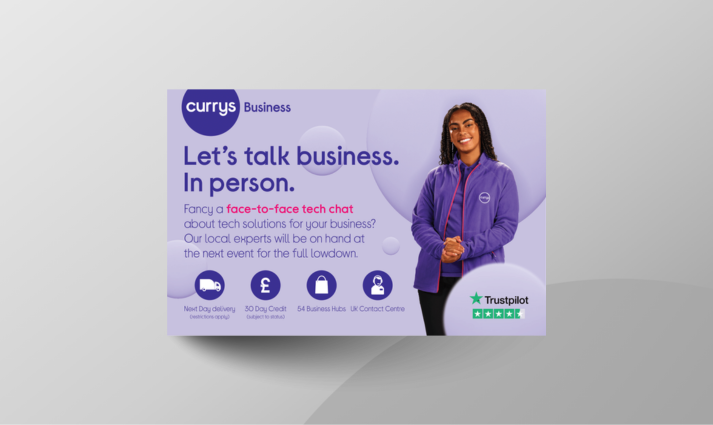
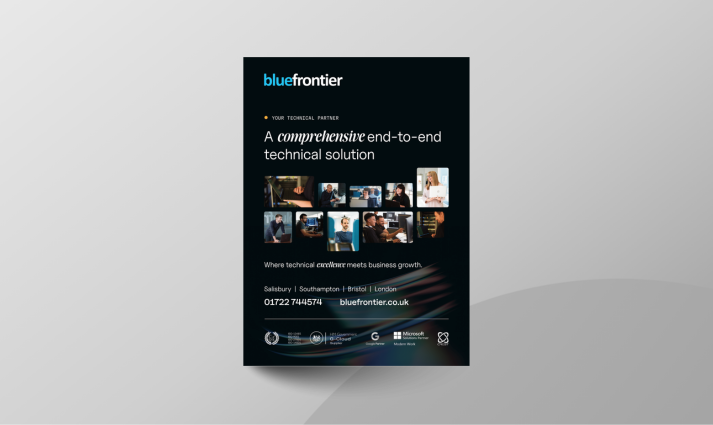
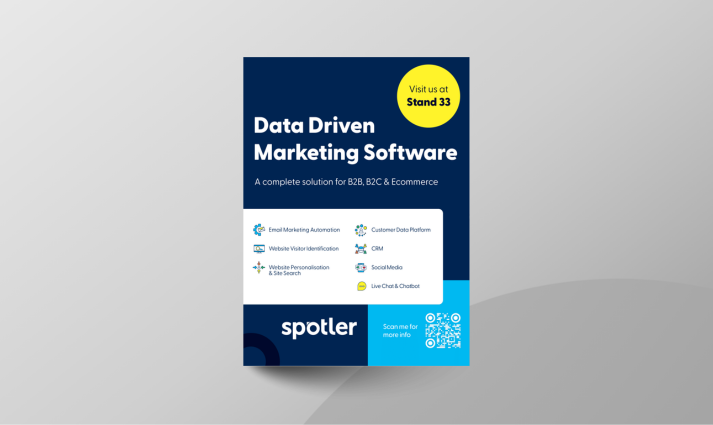
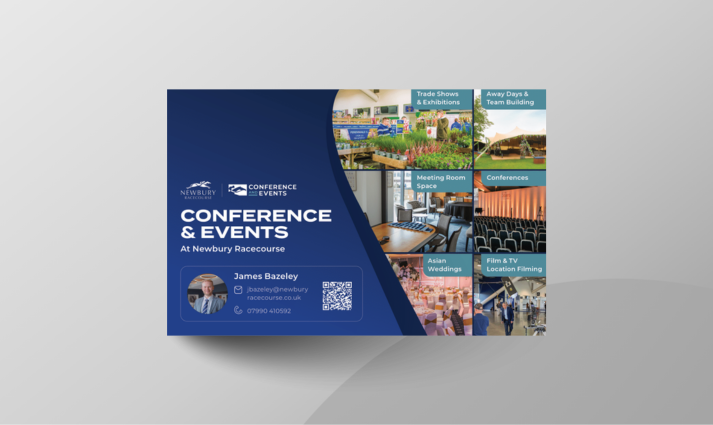
Advertise in the official expo guide. Open to everyone, our show guide advertising is available to both exhibitors and non-exhibitors alike!


